Crack Sarkari Exams.
Practice like the real exam.
Full-length CBT papers from the official Police Bharti, MPSC Rajyaseva and MAHA TET question papers — real exam screen, exam timer and detailed analysis. Photo, signature and PDF tools for the application form too. In Marathi, Hindi & English.
1196 verified questions from official papers — Police Bharti, MPSC and MAHA TET
महाराष्ट्राची उपराजधानी कोणती?
Palette
Digital study books
Visual revision notes for Maharashtra Police Bharti — one-time purchase, instant PDF download.
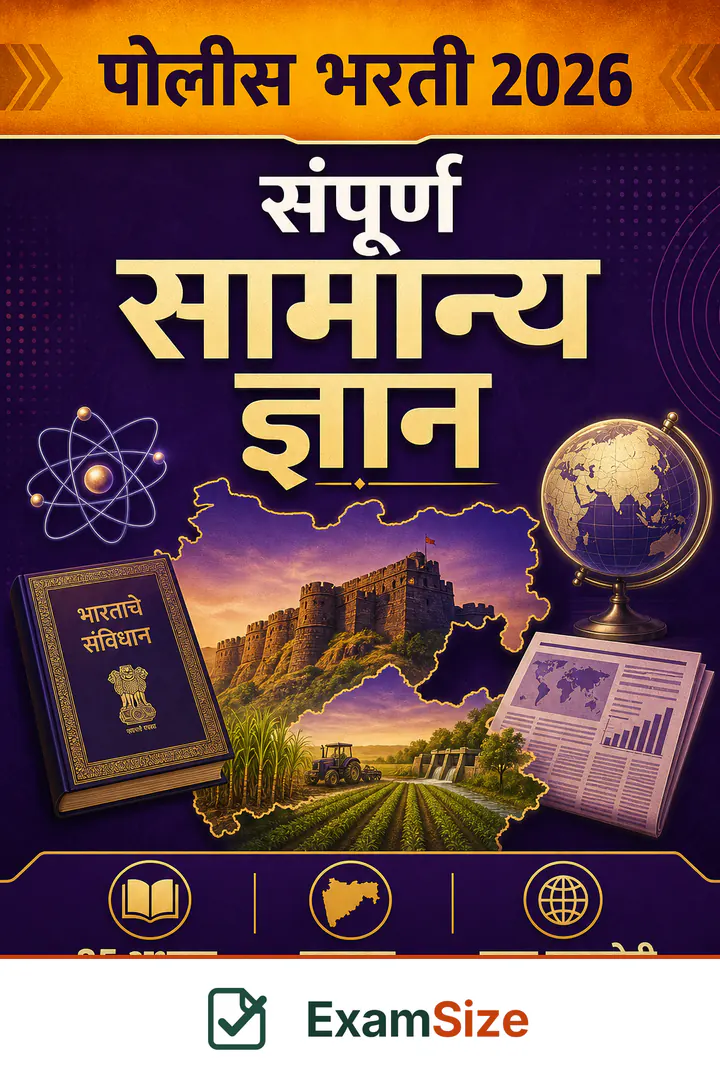
Sampurna Samanya Gyan — Police Bharti 2026
₹69
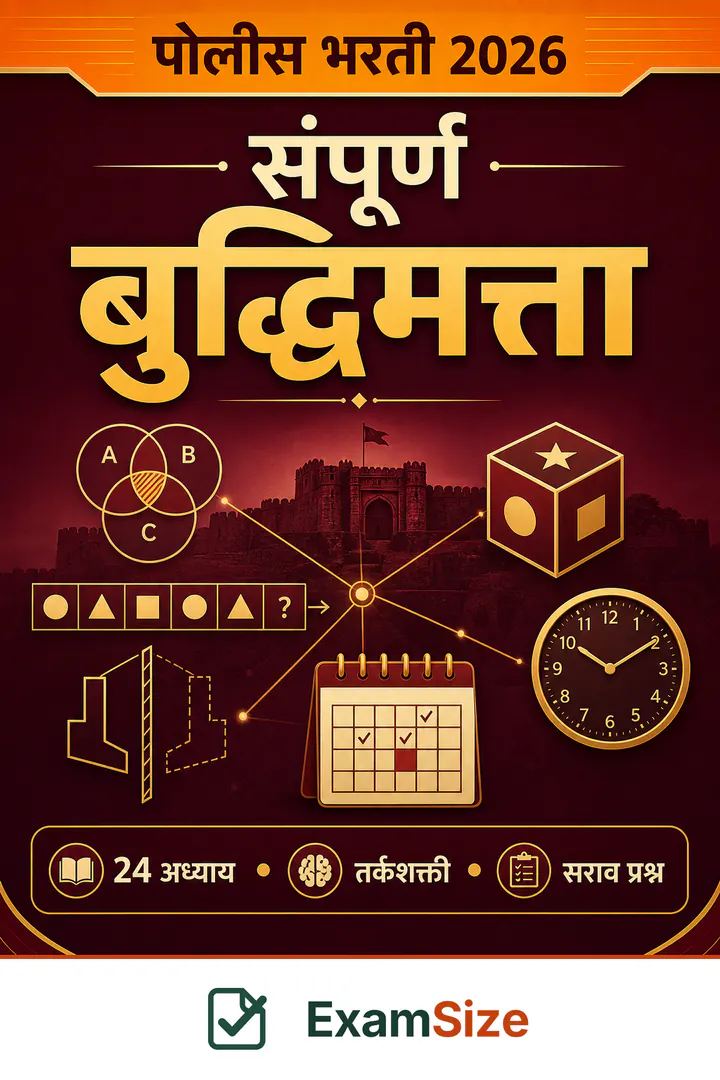
Sampurna Buddhimatta — Police Bharti 2026
₹79
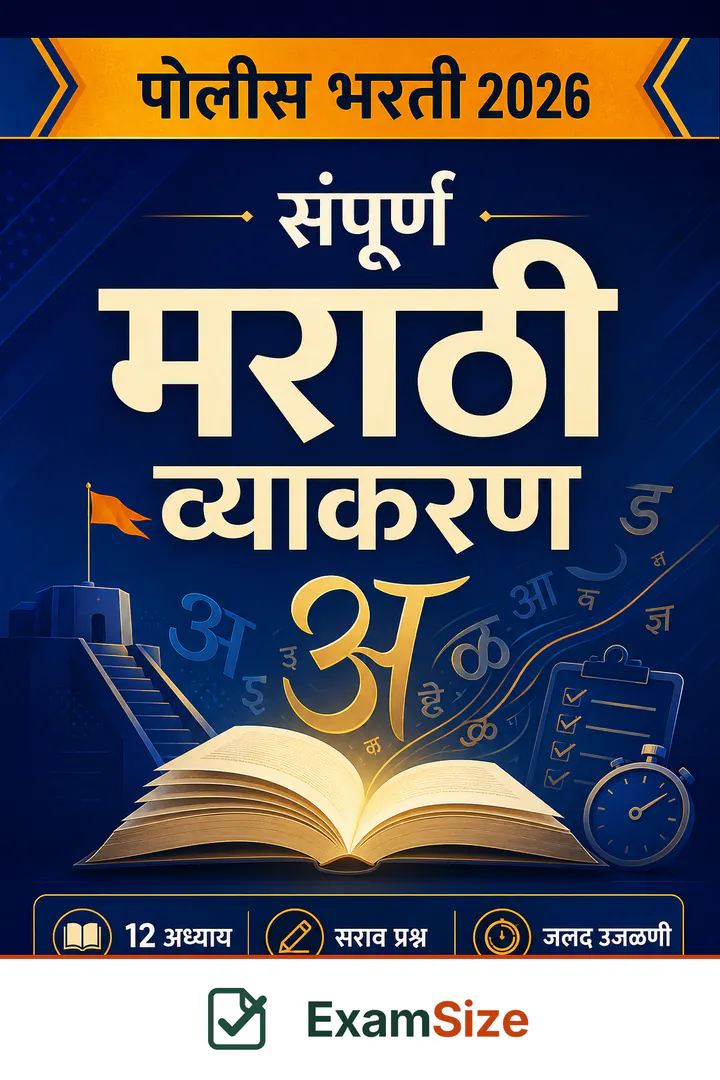
Sampurna Marathi Vyakaran — Police Bharti 2026
₹79
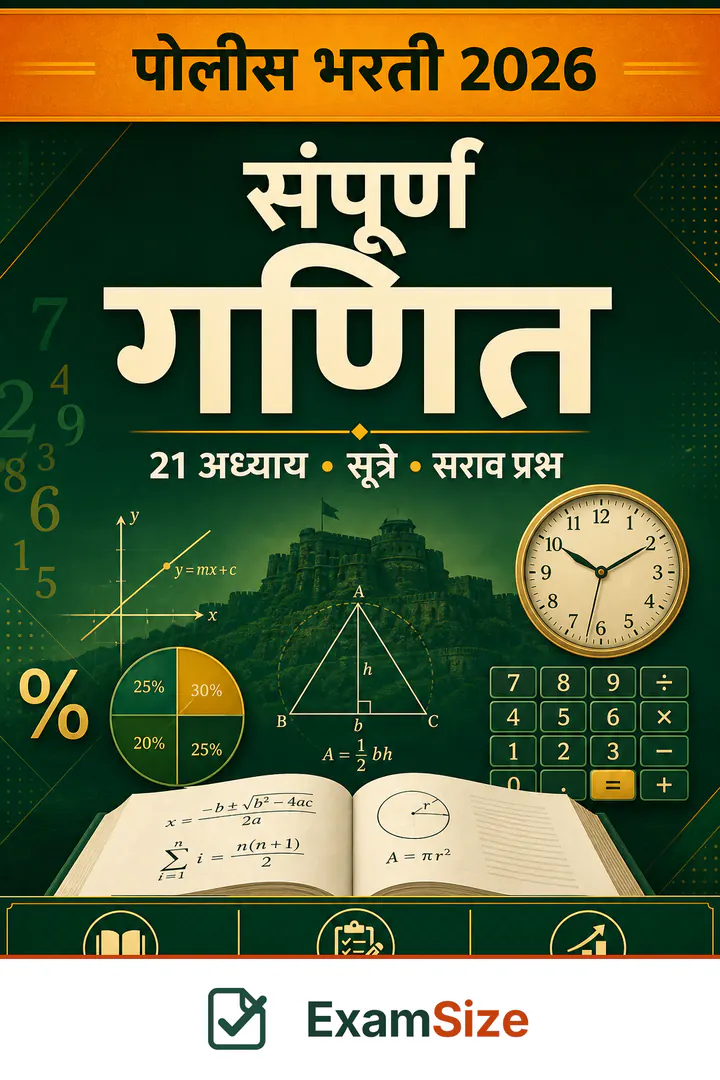
Sampurna Ganit — Police Bharti 2026
₹79
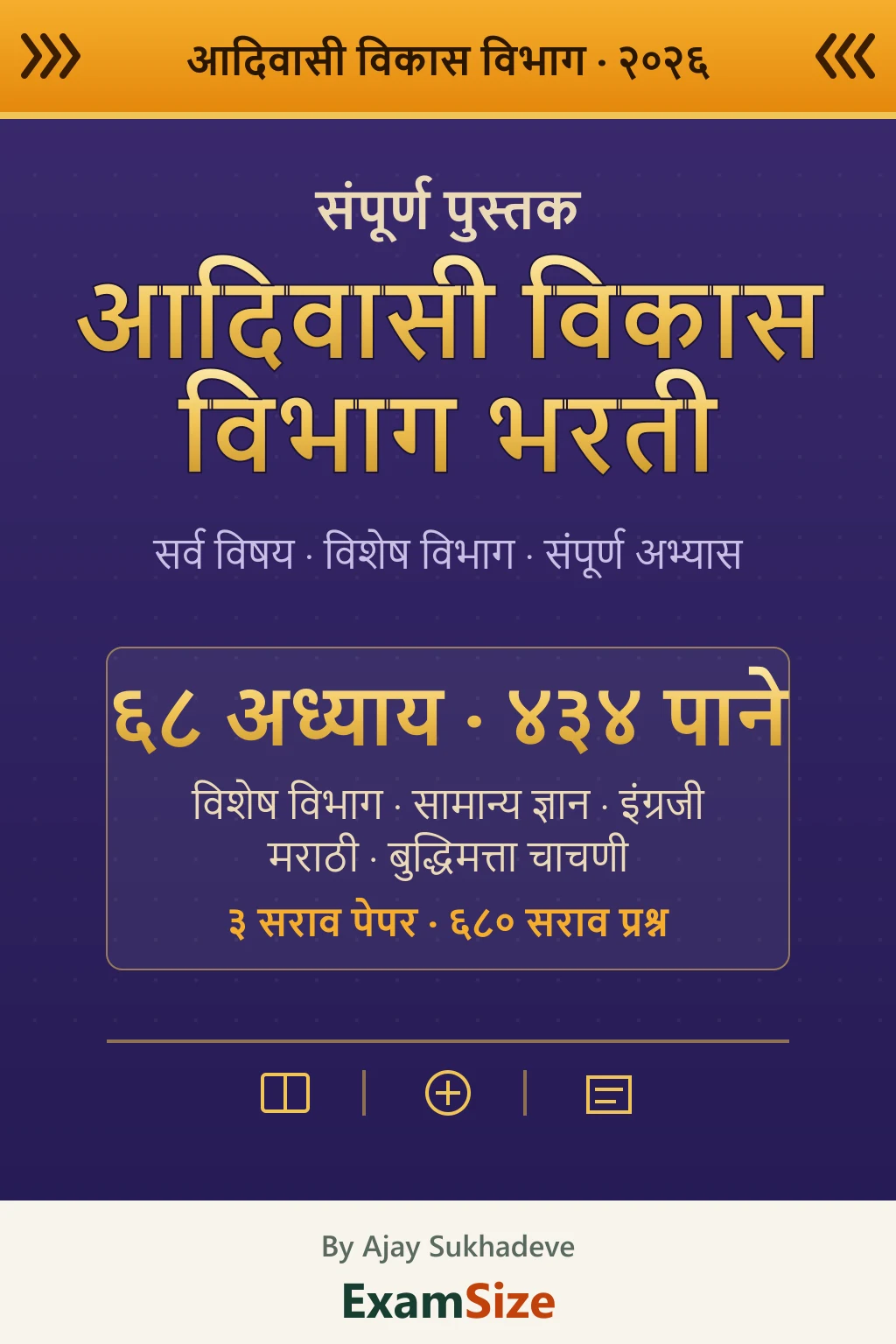
Aadivasi Vikas Vibhag Bharti — Sampurna Pustak 2026
₹249
What is on the site right now
1196
Verified PYQ Questions
28
Official Paper Sets
11
Official Papers Transcribed
5
Official Exams
Build your study timetable in 2 minutes
Weekly grid, colour-code by subject, download as PNG or PDF. No login. Nothing uploaded.
Choose your exam
Official PYQ papers for Police Bharti, MPSC Rajyaseva and MAHA TET. More Maharashtra exams are being added.
Papers you can attempt now
100 Questions · 4 sets
100 Questions · 4 sets
Source: mpsc.gov.in
99 Questions · 4 sets
Source: mpsc.gov.in
600 Questions · 6 sets
Source: raigadpolice.gov.in +5
297 Questions · 10 sets
Source: mahatet.in
Exam not listed?
Tell us the exam name — we add new exam presets regularly based on requests.
Popular mock tests
Raigad Police Constable 2026 — Complete Official Paper (100 Questions)
Akola Police Constable 2026 — Complete Official Paper (100 Questions)
Amravati Rural Police 2026 — Complete Official Paper (100 Questions)
How practice works here
Real CBT Experience
Same timer, palette and Save & Next flow as the actual exam.
Previous Papers
Practice past-year papers in Exam or Learning mode.
Topic Practice
Grammar, percentage, geography — drill any weak topic.
Deep Analysis
Subject-wise score, accuracy and time — after every test.
Mistake Notebook
Every wrong answer is saved automatically. Retry till perfect.
Official Answer Keys
Every answer is taken from the department's own key, not written by us.
Rough Work Pad
Solve maths on-screen with pen & eraser — just like a rough sheet in the exam hall.
Daily Quiz
10 quick questions every day. Build your streak, stay sharp.
Every paper here is the real thing
We do not write our own questions. Each paper is transcribed from the department's own published PDF, and every answer is checked against the official answer key before it goes live.
Official papers on the site
Counts are questions, except the first row which counts districts — Raigad, Akola, Amravati Rural, Buldhana, Latur and Sangli, 100 questions each. The Sangli and Latur papers have been checked answer-by-answer against the Superintendent of Police answer keys.
All Exam Form Tools
Resize your photo, signature and PDF to exactly what the form asks for. Everything runs in your browser — nothing is uploaded.
Most used
Photo & Signature Tools
6 toolsPDF & Document Tools
6 toolsImage Format Tools
5 toolsExam Helper Tools
6 toolsFrequently asked questions
Which languages are the tests available in?+
Every mock test, question and explanation is available in Marathi, Hindi and English. You can switch language anytime during a test.
Are my photo and documents uploaded anywhere?+
No. The photo, signature and PDF tools run entirely inside your browser. Your files never leave your device and are never sent to a server.
Is the exam screen like the real CBT?+
The timer, question palette, Save & Next and Mark for Review work the same way as the actual computer-based test.
What if my internet disconnects mid-test?+
Your answers are saved in your own browser as you go, so a dropped connection will not lose them. They stay on that device — clearing your browser data or moving to another phone removes them.
Which exams can I practice?+
Police Bharti for six districts — Raigad, Akola, Amravati Rural, Buldhana, Latur and Sangli — plus MPSC Rajyaseva, MPSC Group B, MPSC Group C and MAHA TET Papers 1 and 2. Every paper on the site is an official previous-year paper taken from the department's own published PDF: eleven papers, split into 28 sets, 1196 questions in all. We do not ship invented practice questions.
Is the photo size shown for my exam correct?+
Sizes are compiled from each exam's official notification and the source is linked on the exam page. Always confirm from the notification before you submit — requirements do change.
Your seat in the next exam hall starts here
Create an account in 2 minutes and attempt your first full mock today.
Login anytime · Practice on any device